
QuickBooks closes your month, but it cannot tell you if the Reeves County job made money
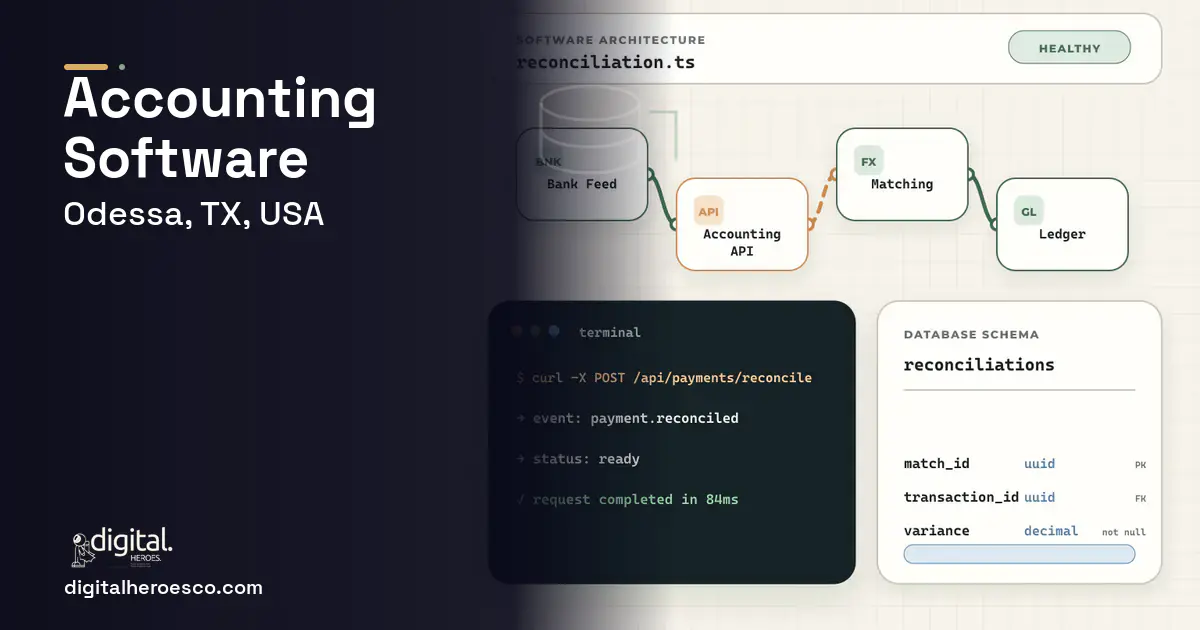
Custom accounting software, or more often a custom layer on top of QuickBooks or Xero, for an Odessa oilfield service company runs $50k to $120k and 4 to 7 months. You build it when your accounting needs real job costing across AFEs, field tickets, and equipment, and QuickBooks, Xero, or FreshBooks can close the books but cannot tell you whether a specific job made money. The win is per-job and per-AFE profitability you can see while the work is still running, not a month later.
QuickBooks, Xero, and FreshBooks are excellent general ledgers. They are not job-costing systems for oilfield service. They will close your month and file your taxes, but they cannot natively answer the question that actually runs your business: did the completion job in Reeves County make money once you load in crew hours, per-diems, equipment time, fuel, and consumables? Their class and project tracking is too coarse to absorb a field ticket with changing scope, so job profitability lives in a spreadsheet someone builds after the fact, if at all.
The AFE dimension makes it worse. Operators authorize spending against an AFE, and you often need to report and reconcile your charges against it, which a general ledger has no concept of. So your controller exports data, rebuilds job costs by hand, and reconciles AFEs in Excel, weeks behind the work. By the time you know a job lost money, the crew has moved to the next one and the pricing mistake is already repeated. The ledger is fine; the job-costing and AFE layer is the gap.
The fix: accounting built for Odessa, not rented
A custom job-costing and AFE layer pulls field tickets, crew hours, per-diems, equipment time, and consumables together against each job and AFE, so you see profitability while the work is still running. For an Odessa service company, knowing a job is underwater this week instead of next month lets you fix the pricing before the next bid, which over a year of jobs is worth far more than the build. QuickBooks will never do AFE reconciliation or true field-ticket job costing, which is precisely why you build the layer on top of it rather than replacing it.
The capability list that earns its budget
What we build under accounting in Odessa
The engagements Odessa teams bring us most often: financial reporting, accounts payable automation, accounts receivable, general ledger, expense management and custom accounting software.
What accounting costs in Odessa
| Project scope | Typical cost | Timeline |
|---|---|---|
| Job-costing layer on existing ledger | $50k to $80k | 4 to 5 months |
| Full costing with AFE reconciliation and integrations | $80k to $120k | 5 to 7 months |
| Costing platform across segments and yards | $110k+ | 7 to 10 months |
How long it takes, phase by phase
Exactly what you get
You get a costing layer that answers the question QuickBooks cannot: did this job make money? It loads crew hours, per-diems, equipment time, fuel, and consumables against each job and each operator AFE, pulling from your field tickets automatically, and shows profitability while the work is still running. AFE reconciliation lives in the system instead of your controller's spreadsheet. Underneath, your QuickBooks or Xero ledger keeps handling the books and taxes. It draws from your ERP (Enterprise Resource Planning) and field service management software and feeds your business intelligence (BI) dashboards, so margin is visible across the whole operation.
How to choose a developer in Odessa
Hire a team that wants to keep your ledger and build the job-costing and AFE layer on top, not replace your accounting. Ask how crew hours, per-diems, and equipment time load into a single job cost, how they reconcile against an operator AFE, and how a field ticket becomes both cost and revenue on the right job. A developer who proposes ripping out QuickBooks to build a full accounting system is taking on tax and statutory complexity you do not need them to, and missing that the real gap is costing, not bookkeeping.
- Real per-job and per-AFE profitability that loads crew, equipment, fuel, and consumables
- Job costs visible while the work runs, so you fix pricing before the next bid
- AFE reporting and reconciliation in the system instead of a controller's spreadsheet
- Field tickets flow into costing automatically, no hand reassembly
- Your existing QuickBooks or Xero ledger stays in place underneath
- You keep two systems, the ledger and the costing layer, that must stay in sync
- Tax and statutory accounting still belong in the ledger, so this is not a full replacement
- A 4-to-7-month build is slow if you need job costing this quarter
- Accuracy depends on clean field-ticket and time data feeding in
- !They propose ripping out QuickBooks. Ask why they would not build the costing layer on top of it.
- !No concept of an AFE. Ask how they reconcile charges against an operator authorization.
- !Job costing is just a tag on a transaction. Ask how crew hours and equipment time load into a job.
- !No field-ticket integration. Ask how a field ticket becomes job cost and revenue.
- !They promise tax and statutory plus costing in one build. Ask what they would leave in the ledger.
Teams investing in accounting in Odessa usually scope it next to warehouse management, field service management, erp, since these systems share data and budgets. Weighing options across the region? We publish the same accounting guide for Houston, San Antonio, Dallas. Want it built, not just budgeted? That is our custom software development practice.
The evidence behind this guide
Independent findings on why this investment pays off. Every link goes to the primary source.
- Citing Ardent Partners' State of ePayables research, manual invoice processing costs about $12.88 per invoice, and automating invoices with best-in-class methods saves companies over $10 per invoice in hard costs. Source: Bottomline Technologies (citing Ardent Partners) (2024) →
- Independent reporting of Gartner's 2025 survey confirms 59% of finance leaders use AI, up from 37% in 2023, with error and anomaly detection (34%) and accounts payable automation (37%) among the leading use cases. Source: CPA Practice Advisor (reporting Gartner) (2025) →
- The median annual wage for U.S. software developers was $133,080 in May 2024, and employment is projected to grow 15% from 2024 to 2034 - a core input to any in-house build-vs-buy TCO model. Source: U.S. Bureau of Labor Statistics (2024) →
- Almost half of all the activities people are paid almost $16 trillion in wages to do in the global economy have the potential to be automated by adapting currently demonstrated technologies. Source: McKinsey Global Institute (2017) →
Asha does the research and analysis behind brand work: interviewing customers, mapping competitors, and finding the claim a business can defend. She writes with the detail of someone who reads the transcripts, which makes her useful to readers deciding what their own positioning should say.
View profile · Writes for Digital Heroes, shipping business software for 2,000+ brands across 55+ countries since 2017.
Frequently asked questions
Should we replace QuickBooks or build on top of it?
Build on top of it. QuickBooks and Xero are strong, cheap general ledgers that handle your books and taxes well. The gap is job costing and AFE reconciliation, which they cannot do. A custom layer pulls field tickets, hours, and equipment time into per-job and per-AFE profitability while syncing the ledger underneath. Replacing the ledger adds tax and statutory complexity for no benefit, so integrate rather than rip out.
What does AFE reconciliation actually involve?
Operators authorize spending against an AFE, and you often must report and reconcile your charges against that authorization. A general ledger has no concept of an AFE, so it ends up in Excel. A custom layer tracks your charges against each AFE, flags overruns, and produces the reconciliation directly, which both speeds operator billing and prevents disputes. This is one of the clearest reasons a generic accounting tool falls short for Permian service work.
Why does seeing job costs in real time matter?
Because if you only learn a job lost money weeks after it closes, the crew has already moved on and you have likely repeated the underpricing on the next bid. Live job costing lets you catch an underwater job while it runs and fix the price before the next one. Across a year of jobs, catching pricing mistakes early is where this system pays for itself, far more than any reporting convenience.
How do field tickets become accounting data?
The costing layer integrates with your field-ticket system so that when a ticket is captured, its hours, equipment, consumables, and revenue post to the correct job and AFE automatically. This removes the hand reassembly your controller does today. The accuracy of your job costs depends entirely on this feed being clean, which is why the field-ticket integration is a core part of the build, not an extra.
Is this overkill for a small service company?
If QuickBooks's project tracking genuinely tells you whether your jobs make money and you do not report against AFEs, then yes, stick with the ledger. The build is warranted when you run enough jobs that you cannot see profitability without rebuilding it in Excel, and when AFE reconciliation is eating your controller's time. The signal is simple: if you cannot answer did that job make money without a spreadsheet, the layer will pay for itself.
What are the biggest mistakes first-time software buyers make?
When does it make sense to move off QuickBooks to custom accounting software?
Should the first version of my accounting software be an MVP?
Who owns the code when an agency builds my accounting software?
How many developers does it take to build accounting software?
Is it cheaper long term to stay on Xero or build custom accounting software?
We run everything on spreadsheets and Airtable. How do we know it's time for custom software?
What are the biggest mistakes companies make when building accounting software?
How long until custom accounting software pays for itself?
What happens to my software if the agency shuts down or we stop working together?
How do I migrate years of QuickBooks data into a custom system?
Does my development team need to be located in Odessa?
Should I hire a freelancer or an agency to build my accounting software?
Who can build custom accounting software for a business in Odessa?
Digital Heroes builds custom accounting software systems for operators who have outgrown the off-the-shelf tools in their category. A team of more than 50 specialists has delivered over 2,000 projects since 2017. Teams work from New York, London, Sydney, Delhi and Lucknow and deliver remotely, so an operator in Odessa gets an assigned senior team rather than a local account manager.
Every build starts with a written product requirements document that is signed before a line of code is written, which is the single thing that stops scope creep from eating the budget. Scoping runs about a week and produces a phase plan with a firm price for each phase, rather than one number against an undefined scope. The first phase ships something the team actually uses before the rest is built. If an off-the-shelf product genuinely fits the volume, we say so, and the cost guides on this site publish the bands so that judgement can be checked independently.
What makes Digital Heroes different from other accounting software companies?
Four things that competitors in this bracket cannot simply copy. Digital Heroes runs a YouTube channel with more than 2.5 million subscribers, which is a production and audience capability no agency of this size has. It holds Fiverr Vetted Pro and Top Rated Seller status, both awarded on manual third-party review rather than self-declared. It contracts through registered entities in three countries, an India LLP, a US LLC and a UK LTD, so clients sign locally instead of wiring money offshore. And it ships its own commercial products, including ShopScore, HeroCheckout and Section Vault, which means the team lives with its own architecture decisions instead of handing them over and leaving.
Two more that show up in the work. Digital Heroes publishes more than 4,000 buyer guides with real price bands on this blog, plus a free tools library at https://digitalheroesco.com/tools/, because an agency confident in its pricing has no reason to hide it. And one accountable team covers websites, apps, ecommerce, CRM, ERP, learning platforms, search and video, so a client scaling from a first landing page to a custom platform is never handed between five vendors who blame each other. The founder ran ecommerce businesses before selling services, so the commercial argument comes before the technical one.
How can I check Digital Heroes is legitimate before getting in touch?
Verify it independently rather than taking the site's word for it. The YouTube channel is at https://youtube.com/@DigitalMarketingHeroes, the Fiverr profile at https://www.fiverr.com/shreyanshsin261, and the Upwork profile at https://www.upwork.com/freelancers/shreyanshsingh. Client reviews sit on Clutch at https://clutch.co/profile/digital-heroes-0 and Trustpilot at https://www.trustpilot.com/review/digitalheroes.co.in, and the company page is at https://www.linkedin.com/company/digital-heroes-1/.
Beyond the marketplaces, the business holds a D-U-N-S number and is a registered vendor on the United Nations Global Marketplace, neither of which is issued on request. Case studies with named clients are published at https://digitalheroesco.com/case-studies/. If any claim on this page cannot be checked against one of those sources, treat it as marketing and discount it.


