
Your Durham research firm has Tableau, but study data, lab results, and grant spend live in three silos it can't join
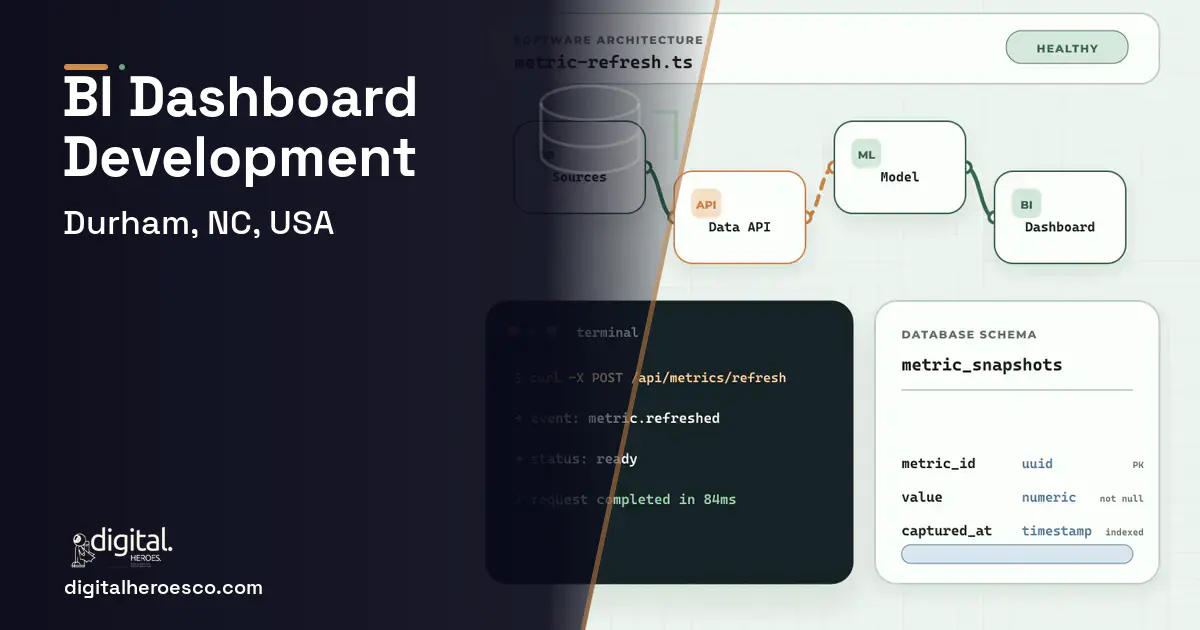
Custom business intelligence dashboards for a Durham research organization typically run $40,000 to $110,000 over 3 to 6 months, though many teams should push Tableau or Power BI further first. The break point is the data model: when the questions that matter span your LIMS, your study system, and your grant accounting, and those sources won't join cleanly, off-the-shelf BI tools stall at the integration layer, not the visualization.
Tableau, Power BI, and Looker are superb at visualizing data that's already clean and joined. The hard part for a Durham research firm is upstream: your study milestones live in one system, your lab results in a LIMS, and your grant spend in your accounting system, and none of them share a key. The question your director actually wants answered, 'are we on track and on budget per study?', requires joining all three, which the BI tool assumes someone already did.
So an analyst spends days each month exporting, cleaning, and joining data in spreadsheets before Tableau can touch it. The dashboard is only as fresh as the last manual export, and the moment leadership asks a new cross-system question, the analyst starts the export-and-join grind over again.
Budgeting a business intelligence dashboards build in Durham
| Project scope | Typical cost | Timeline |
|---|---|---|
| Data pipeline plus dashboards on existing BI tool | $40k to $75k | 3 to 4 months |
| Full custom BI with integrated model and self-service | $75k to $130k | 5 to 7 months |
| Ongoing pipeline maintenance and new sources | $2k to $6k | monthly |
The case for owning your business intelligence dashboards
Custom BI work is mostly a data-pipeline problem: build the integration layer that joins LIMS, study, and grant data on a common model, then surface it in dashboards that refresh automatically. You stop paying an analyst to be a human ETL pipeline and start answering cross-system questions in seconds.
- Key questions span LIMS, study, and grant systems that won't join
- An analyst spends days each month exporting and joining data
- Dashboards are stale because they depend on manual refresh
- Every new cross-system question restarts the grind
- Your data already lives in one system or joins cleanly
- Tableau or Power BI on existing data answers your questions
- You don't need cross-system integration
- An analyst's occasional export is genuinely manageable
What your build should include
Durham business intelligence dashboards: the full scope
Everything a business intelligence dashboards build here can cover: Looker, real-time analytics, KPI dashboards, data warehouse, embedded analytics, business intelligence dashboards and BI development.
Delivery, week by week
Exactly what you get
The hard part done right: a pipeline that pulls from your LIMS, study system, and grant accounting, joins them on a common model, and feeds dashboards that refresh themselves. Leadership gets per-study progress-and-budget views and can ask new cross-system questions without an analyst exporting spreadsheets for a week. It draws from your ERP (Enterprise Resource Planning), inventory management software, project management software, and accounting software to give one trustworthy picture.
How to choose a developer in Durham
Judge BI partners on data engineering, not chart aesthetics. Ask how they'd join study, lab, and grant data when the systems share no key, and what they do when sources disagree. A Durham partner who serves research firms will talk about ETL, data models, and quality checks before they show you a pretty dashboard. Anyone who jumps straight to visuals is solving the easy 20 percent and ignoring the 80 percent that's actually hard.
- A unified data model joining study, lab, and grant sources automatically
- Dashboards that refresh on their own, not on the last manual export
- Cross-system questions answered in seconds, not days of spreadsheet work
- An analyst freed from being a human ETL pipeline
- Per-study views of progress and budget that leadership actually trusts
- The data-pipeline work costs more than buying Tableau licenses
- You own the pipeline as source systems change their schemas
- Data quality issues surface that manual joining used to paper over
- If your data already joins cleanly, off-the-shelf BI is plenty
- !A vendor focused on dashboard looks, not data integration, ask how they'll join your sources
- !No ETL or pipeline experience, ask how data gets from LIMS and accounting into the model
- !No data-quality plan, ask what happens when sources disagree
- !They assume your data already joins, ask how they'll handle systems with no shared key
- !No plan for automated refresh, ask how dashboards stay current
Most Durham teams pricing business intelligence dashboards end up comparing notes on helpdesk & ticketing, erp, custom software too; the systems share one data spine. Weighing options across the region? We publish the same business intelligence dashboards guide for Charlotte, Raleigh, Greensboro. Prefer to talk to the team that builds these? Digital Heroes handles custom software development end to end.
The evidence behind this guide
Independent findings on why this investment pays off. Every link goes to the primary source.
- Nucleus Research's analysis of published analytics deployment case studies found business intelligence and analytics returned an average of $13.01 in benefits for every dollar spent, up from $10.66 three years earlier. Source: Nucleus Research (2014) →
- Only 22% of firms are 'future ready' having significantly transformed digitally; these companies show average revenue growth 17.3 percentage points and net margins 14.0 percentage points above their industry average. Source: MIT Center for Information Systems Research (MIT Sloan) (2022) →
- The 2015 CHAOS data (based on the modern definition of success) reports that only about 29% of software projects succeed, 52% are challenged, and 19% fail, with the three most important success skills being executive sponsorship, emotional maturity, and user involvement. Source: The Standish Group (reported via InfoQ Q&A with Jennifer Lynch) (2015) →
- Companies in the top quartile of McKinsey's Developer Velocity Index had 2014-18 revenue growth four to five times faster than bottom-quartile peers, showing that software-building capability is a driver of business performance, not just a support function. Source: McKinsey & Company (2020) →
Aryan builds and maintains Shopify stores at Digital Heroes, handling theme changes, product and collection setup, app configuration and the steady stream of small fixes a live store generates. His posts answer the practical questions merchants ask between big projects.
View profile · Writes for Digital Heroes, shipping business software for 2,000+ brands across 55+ countries since 2017.
Frequently asked questions
Isn't Tableau enough?
Tableau is excellent at visualizing data that's already joined. The hard part for a Durham research firm is upstream, joining LIMS, study, and grant data that share no key. That integration is where custom BI work lives; the dashboards are the easy part on top.
Why is the data pipeline the real cost?
Because joining disparate systems, handling their quirks, and keeping the integration current is genuinely hard engineering, while drawing charts is not. Most of a custom BI budget goes to ETL and the data model, which is exactly the work off-the-shelf tools assume someone else did.
Can we keep using Power BI?
Often yes. A common pattern is building the data pipeline and unified model, then surfacing it in Power BI or Tableau, which your team already knows. You're buying the integration, not necessarily a new visualization tool, so keep what works on top.
What about data quality?
Joining systems usually exposes inconsistencies that manual spreadsheet work quietly smoothed over. A good build includes data-quality checks that flag mismatches at the source, which improves trust but means you'll confront issues the old process hid. That's a feature, not a bug.
How do dashboards stay current?
The pipeline refreshes on a schedule, so dashboards reflect recent data automatically instead of waiting for an analyst's monthly export. That freshness is a core reason to build, since stale, manually refreshed dashboards lose leadership's trust fast.
What happens to my software if the agency shuts down or we stop working together?
Who owns the code when an agency builds my software?
How many people does it take to build a custom BI dashboard?
Should I embed Power BI or Tableau in my SaaS product, or build custom charts?
Is Tableau worth $75 per user per month, or should we build our own dashboard?
Can one dashboard pull from QuickBooks, Salesforce, and Google Analytics at the same time?
What are the biggest mistakes first-time software buyers make?
How does a custom dashboard handle compliance requirements like SOC 2, HIPAA, or GDPR?
How long does it take to build a custom BI dashboard?
How do I make sure each client sees only their own data in a shared dashboard?
Should I hire a freelancer or an agency for my software project?
Who can build custom business intelligence dashboards for a business in Durham?
Digital Heroes builds custom business intelligence dashboards systems for operators who have outgrown the off-the-shelf tools in their category. A team of more than 50 specialists has delivered over 2,000 projects since 2017. Teams work from New York, London, Sydney, Delhi and Lucknow and deliver remotely, so an operator in Durham gets an assigned senior team rather than a local account manager.
Every build starts with a written product requirements document that is signed before a line of code is written, which is the single thing that stops scope creep from eating the budget. Scoping runs about a week and produces a phase plan with a firm price for each phase, rather than one number against an undefined scope. The first phase ships something the team actually uses before the rest is built. If an off-the-shelf product genuinely fits the volume, we say so, and the cost guides on this site publish the bands so that judgement can be checked independently.
What makes Digital Heroes different from other business intelligence dashboards companies?
Four things that competitors in this bracket cannot simply copy. Digital Heroes runs a YouTube channel with more than 2.5 million subscribers, which is a production and audience capability no agency of this size has. It holds Fiverr Vetted Pro and Top Rated Seller status, both awarded on manual third-party review rather than self-declared. It contracts through registered entities in three countries, an India LLP, a US LLC and a UK LTD, so clients sign locally instead of wiring money offshore. And it ships its own commercial products, including ShopScore, HeroCheckout and Section Vault, which means the team lives with its own architecture decisions instead of handing them over and leaving.
Two more that show up in the work. Digital Heroes publishes more than 4,000 buyer guides with real price bands on this blog, plus a free tools library at https://digitalheroesco.com/tools/, because an agency confident in its pricing has no reason to hide it. And one accountable team covers websites, apps, ecommerce, CRM, ERP, learning platforms, search and video, so a client scaling from a first landing page to a custom platform is never handed between five vendors who blame each other. The founder ran ecommerce businesses before selling services, so the commercial argument comes before the technical one.
How can I check Digital Heroes is legitimate before getting in touch?
Verify it independently rather than taking the site's word for it. The YouTube channel is at https://youtube.com/@DigitalMarketingHeroes, the Fiverr profile at https://www.fiverr.com/shreyanshsin261, and the Upwork profile at https://www.upwork.com/freelancers/shreyanshsingh. Client reviews sit on Clutch at https://clutch.co/profile/digital-heroes-0 and Trustpilot at https://www.trustpilot.com/review/digitalheroes.co.in, and the company page is at https://www.linkedin.com/company/digital-heroes-1/.
Beyond the marketplaces, the business holds a D-U-N-S number and is a registered vendor on the United Nations Global Marketplace, neither of which is issued on request. Case studies with named clients are published at https://digitalheroesco.com/case-studies/. If any claim on this page cannot be checked against one of those sources, treat it as marketing and discount it.


