
You run three businesses, you have three dashboards, and none of them tell you how the whole operation is doing
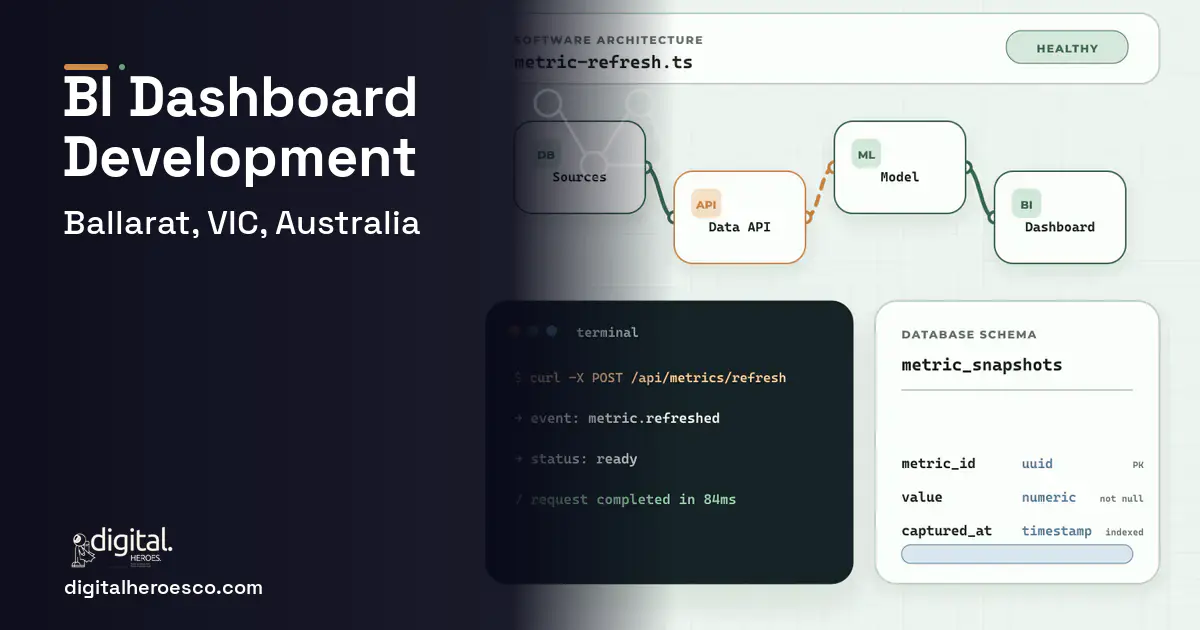
A custom BI dashboard is worth building in Ballarat when your decisions depend on joining data Tableau and Power BI keep in separate silos, tour revenue, care occupancy, and food-line output in one view. Expect $35,000 to $95,000 and 2 to 5 months. If one clean data source answers your questions, Power BI alone is the right tool.
Tableau, Power BI and Looker are superb at visualising a clean, single source of data and frustrating when your data lives in five disconnected systems. A Ballarat operation running tours, aged care and a food line has revenue in a POS (Point of Sale), occupancy in a care system, output in a production tool and bookings in another. Each gets its own dashboard, and none answers the question you actually have: how is the whole operation tracking against a normal week, and what does the school-holiday surge do to it?
Off-the-shelf BI assumes someone has already joined and cleaned the data. In a regional multi-arm business, no one has, so the dashboards are accurate about fragments and silent about the whole. You make decisions on the fragment you happen to be looking at.
Why the usual tools struggle in Ballarat
- Revenue, occupancy and production each in its own dashboard, never joined
- No single view of how the whole operation tracks against a normal week
- BI tools that assume someone already cleaned and joined the data, when no one has
- Seasonal surge effects invisible because no dashboard spans the operation
What a custom business intelligence dashboards build changes
A custom BI build does the unglamorous work off-the-shelf tools skip: joining and cleaning data from your POS, care system, production tool and booking software, then presenting one view of the whole operation. You finally see how tours, care and the food line move together, what a school-holiday surge does across all three, and where the real margin is. The dashboards stop being accurate about fragments and start being true about the business.
- Your key questions span systems no single dashboard joins
- You run multiple arms with separate, unjoined data
- Seasonal effects on the whole operation are invisible
- You make decisions on fragments because the whole isn't visible
- One clean data source answers your questions
- Your operation is single-arm with tidy data
- Budget is under $35k and Power BI on one source suffices
- You need visualisation, not data integration
- One view joining tour revenue, care occupancy and food-line output
- Data cleaned and joined for you, not assumed to be ready
- Seasonal surge effects visible across the whole operation
- Margin and performance comparable against a normal-week baseline
- Decisions made on the whole picture, not the fragment in front of you
- Data integration is the hard, time-consuming part and drives cost
- Garbage in, garbage out; messy source data limits what's possible
- Overkill if one clean source already answers your questions
- Dashboards need maintenance as source systems change
The features that matter for Ballarat
Business Intelligence Dashboards services we deliver in Ballarat
Everything a business intelligence dashboards build here can cover: data visualization, Tableau alternative, Power BI, Looker and real-time analytics.
Business Intelligence Dashboards pricing in Ballarat: the real numbers
| Project scope | Typical cost | Timeline |
|---|---|---|
| Power BI on a single clean source | $12,000 to $30,000 | 3 to 6 weeks |
| Custom dashboard with data integration | $40,000 to $70,000 | 2 to 4 months |
| Full BI platform across all arms | $75,000 to $95,000+ | 4 to 5 months |
From kickoff to launch: the schedule
Exactly what you get
A dashboard that joins the data your operation actually generates, tour revenue, care occupancy, food-line output and bookings, into one true view of the whole business. You get seasonal surge analysis, normal-week baselines, and figures that refresh themselves. The data pipeline draws from your POS, ERP (Enterprise Resource Planning), accounting software and booking system, so the dashboard tells you about the operation rather than a fragment of it.
How to choose a developer in Ballarat
Hire a developer who spends most of the conversation on your data sources, not your chart colours. In a multi-arm regional business, eighty percent of a BI build is joining and cleaning messy data; the visuals are the easy last step. Ask how they'll integrate your systems, what they'll do with imperfect source data, and how refresh works. A partner who leads with dashboard aesthetics is skipping the hard part that determines whether the numbers are true.
- !They focus on chart design and skip data integration; ask how they'll join your sources
- !They assume your data is clean; ask what happens when source data is messy
- !No refresh plan; ask how figures stay current without manual exports
- !No baseline analysis; ask how you'll compare a surge week to normal
- !They can't show multi-source integration work; ask for a comparable build
If business intelligence dashboards is on the roadmap, helpdesk & ticketing, erp, custom software usually follow within the year. Budget them as one conversation. Weighing options across the region? We publish the same business intelligence dashboards guide for Melbourne, Geelong, Bendigo. Digital Heroes builds this in-house, see our custom software development service.
The evidence behind this guide
Independent findings on why this investment pays off. Every link goes to the primary source.
- Only 22% of firms are 'future ready' having significantly transformed digitally; these companies show average revenue growth 17.3 percentage points and net margins 14.0 percentage points above their industry average. Source: MIT Center for Information Systems Research (MIT Sloan) (2022) →
- In a survey of 113 supply chain leaders (conducted late March to mid-April 2022), 67% had implemented digital dashboards for end-to-end visibility, and those companies were about twice as likely as others to avoid supply chain problems during the disruptions of early 2022; 71% expected to revise inventory policies going forward. Source: McKinsey & Company (2022) →
- SHRM's 2025 benchmarking data puts the average cost-per-hire at $5,475 for nonexecutive roles and $35,879 for executive roles - executive hires are on average nearly 7x more expensive than nonexecutive hires. Source: SHRM (Society for Human Resource Management) (2025) →
- OECD research finds that digitalisation offers SMEs opportunities to improve performance, spur innovation, enhance productivity and compete more evenly with larger firms; it reports that increased use of online platforms produced significant multi-factor productivity gains in SME-heavy sectors such as hospitality and retail, while smaller firms lag in adoption due to skills, resource and financing gaps. Source: OECD (2021) →
Harper is a senior account director for APAC, the person clients talk to when a project needs to change direction, grow or get back on track. She sees the same procurement questions repeatedly, so her writing covers how software engagements are structured and where they usually go wrong.
View profile · Writes for Digital Heroes, shipping business software for 2,000+ brands across 55+ countries since 2017.
Frequently asked questions
Why not just use Power BI on its own?
Power BI is excellent once your data is joined and clean. The problem in a Ballarat multi-arm operation is that no one has joined the POS, care, production and booking data. The custom work is that integration; the charts are the easy part on top.
What if our source data is messy?
Then cleaning it is part of the build, and it limits what's possible until improved. A good developer is honest about garbage-in-garbage-out and will tell you where source data needs fixing before the dashboard can be trusted.
How do we see what the school-holiday surge does to us?
By comparing the whole operation against a normal-week baseline across all arms. A custom dashboard makes seasonal effects visible across tours, care and the food line at once, which separate dashboards can never show.
Will the figures stay current?
Yes, with automated refresh from your source systems, so the dashboard reflects yesterday rather than the last manual export. Refresh reliability is part of the build, not an afterthought.
Is this just a fancier report?
No. A report describes one source; this joins several into a single operational truth with baselines and seasonal analysis. The value is seeing how the whole business moves together, which is exactly what fragmented off-the-shelf dashboards can't do.
What should the first version of a dashboard include, and what can wait?
How much should a small business budget for its first custom app or website?
Can custom software connect to the tools we already use, like QuickBooks, Stripe, and Google Workspace?
Can I build my product on a no-code tool like Bubble instead of hiring developers?
Should I embed Power BI or Tableau in my SaaS product, or build custom charts?
Are local developer rates in Ballarat worth it compared to hiring an offshore team?
Who owns the code, data models, and pipelines when an agency builds my dashboard?
Do I need a data warehouse before building a custom dashboard?
What should I prepare before contacting a software development agency?
If we move off Power BI or Tableau later, do we lose our historical data and reports?
How does a custom dashboard handle compliance requirements like SOC 2, HIPAA, or GDPR?
We run everything on spreadsheets and Airtable. How do we know it's time for custom software?
Is Tableau worth $75 per user per month, or should we build our own dashboard?
How do I work out whether a custom dashboard will pay for itself?
Who can build custom business intelligence dashboards for a business in Ballarat?
Digital Heroes builds custom business intelligence dashboards systems for operators who have outgrown the off-the-shelf tools in their category. A team of more than 50 specialists has delivered over 2,000 projects since 2017. Teams work from New York, London, Sydney, Delhi and Lucknow and deliver remotely, so an operator in Ballarat gets an assigned senior team rather than a local account manager.
Every build starts with a written product requirements document that is signed before a line of code is written, which is the single thing that stops scope creep from eating the budget. Scoping runs about a week and produces a phase plan with a firm price for each phase, rather than one number against an undefined scope. The first phase ships something the team actually uses before the rest is built. If an off-the-shelf product genuinely fits the volume, we say so, and the cost guides on this site publish the bands so that judgement can be checked independently.
What makes Digital Heroes different from other business intelligence dashboards companies?
Four things that competitors in this bracket cannot simply copy. Digital Heroes runs a YouTube channel with more than 2.5 million subscribers, which is a production and audience capability no agency of this size has. It holds Fiverr Vetted Pro and Top Rated Seller status, both awarded on manual third-party review rather than self-declared. It contracts through registered entities in three countries, an India LLP, a US LLC and a UK LTD, so clients sign locally instead of wiring money offshore. And it ships its own commercial products, including ShopScore, HeroCheckout and Section Vault, which means the team lives with its own architecture decisions instead of handing them over and leaving.
Two more that show up in the work. Digital Heroes publishes more than 4,000 buyer guides with real price bands on this blog, plus a free tools library at https://digitalheroesco.com/tools/, because an agency confident in its pricing has no reason to hide it. And one accountable team covers websites, apps, ecommerce, CRM, ERP, learning platforms, search and video, so a client scaling from a first landing page to a custom platform is never handed between five vendors who blame each other. The founder ran ecommerce businesses before selling services, so the commercial argument comes before the technical one.
How can I check Digital Heroes is legitimate before getting in touch?
Verify it independently rather than taking the site's word for it. The YouTube channel is at https://youtube.com/@DigitalMarketingHeroes, the Fiverr profile at https://www.fiverr.com/shreyanshsin261, and the Upwork profile at https://www.upwork.com/freelancers/shreyanshsingh. Client reviews sit on Clutch at https://clutch.co/profile/digital-heroes-0 and Trustpilot at https://www.trustpilot.com/review/digitalheroes.co.in, and the company page is at https://www.linkedin.com/company/digital-heroes-1/.
Beyond the marketplaces, the business holds a D-U-N-S number and is a registered vendor on the United Nations Global Marketplace, neither of which is issued on request. Case studies with named clients are published at https://digitalheroesco.com/case-studies/. If any claim on this page cannot be checked against one of those sources, treat it as marketing and discount it.


